 Sidefill
Safari help for the iPhone Duo outer screen
Can’t tap a Safari page button on the iPhone Duo?
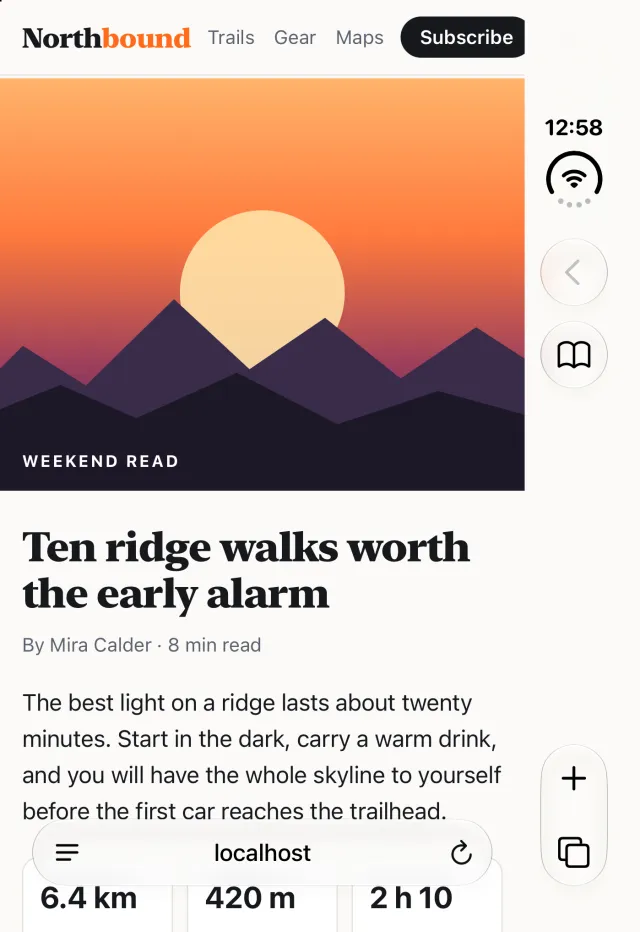
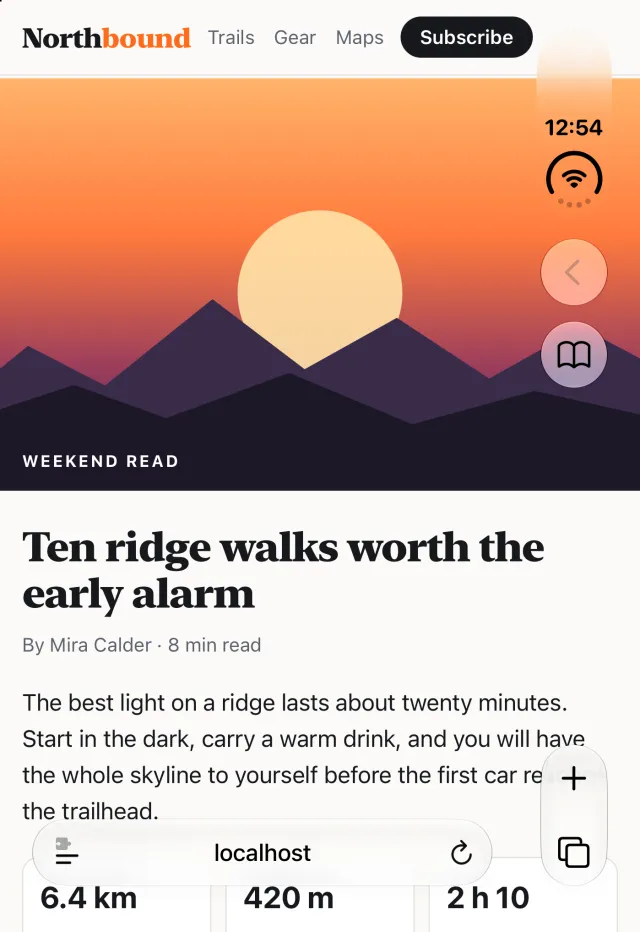
If a menu, search icon or other page button sits under Safari’s side strip, it can be visible but untappable. Widening a page alone does not make that area accept page taps.
Get Sidefill on the App StoreOne-time paid app. No subscription or account.
Why a visible button may not respond
Safari keeps its own controls at the side of the outer screen. It does not pass taps to the web page underneath that strip. A page button can therefore look present while sitting outside the area where you can tap the page.
How Sidefill keeps controls within reach
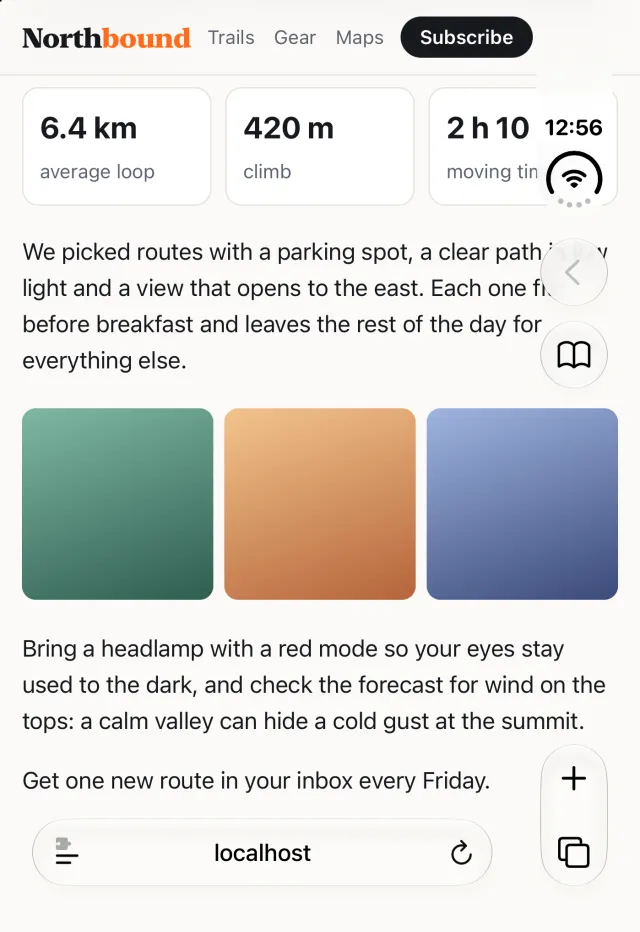
Sidefill lets the page run under the strip, then adjusts nearby page buttons, links and fixed bars to keep controls clear. Text and images can use the space under Safari’s controls while page actions sit beside them.
If one site still has overlapping buttons
Some page layouts still break. Open Safari’s page menu, choose Sidefill and turn on “Leave this site as it is”. That site returns to its usual layout; other sites can stay wide. Turn the same switch off to try widening it again.
Page buttons clear of Safari’s controls
Questions
Will tapping harder or zooming fix the button?
The problem described here is the location of the button under Safari’s control strip. That area does not pass taps to the page; moving the page button clear is what makes it reachable.
Does Sidefill move Safari’s own buttons?
No. Safari’s controls stay where they are. Sidefill adjusts the web page and moves page controls clear of the strip.
What if a button is still broken outside the strip?
That may be a different site problem. Exclude the site in Sidefill to compare its usual layout. Sidefill does not fix every kind of website button problem.
Your browsing stays on your iPhone
No account, no analytics, no network requests. Sidefill changes the layout on your iPhone; your settings stay there.
Get Sidefill on the App Store